

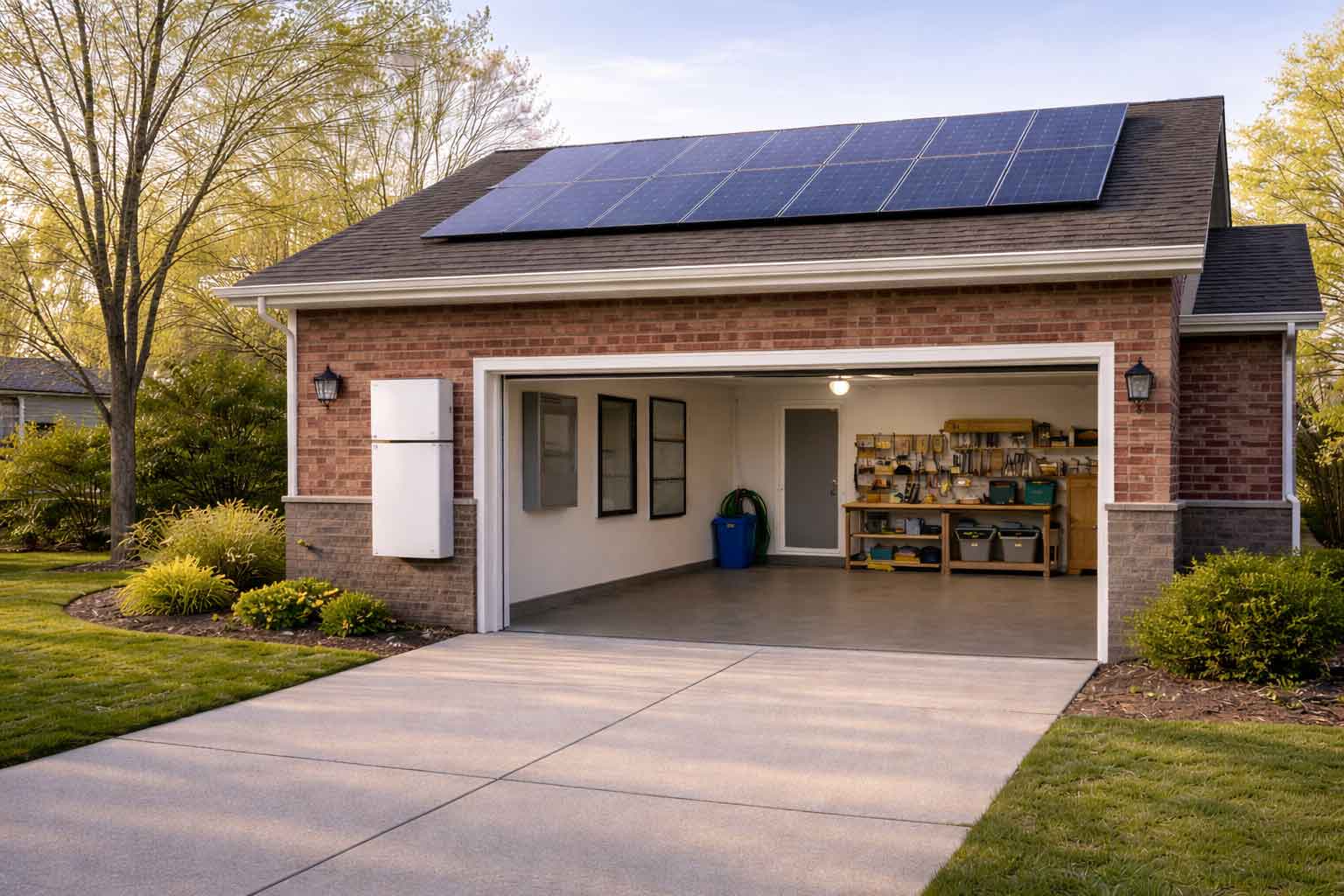
If you already have solar, you’re producing your own electricity. The catch is that many standard grid-tied solar systems still shut down during an outage, and most solar production happens mid-day while many households use more power in the evening. A battery is meant to close that gap.
In 2026, homeowners usually look at batteries for three reasons: more frequent outages, higher evening electricity costs on some plans, and better battery hardware than earlier generations.
What a Battery Actually Does for a Solar Home
A battery can do three core jobs:
1) Backup power during outages
With the right setup, a battery can keep selected circuits running when the grid drops.
2) Shift solar power into the evening
Store some mid-day solar and use it after sunset so you buy less power from the utility later.
3) Reduce grid dependence with smarter control
Some homes use batteries to limit grid usage during expensive hours or manage spikes in demand.
What “Worth It” Means (And How to Decide Fast)
Most people ask, “Will it pay for itself?” The better first question is: “What problem am I solving?”
If your main goal is outage protection
The value is comfort and keeping the house functional. Savings matter, but reliability is the point.
If your main goal is bill savings
The math depends heavily on your utility plan and your evening usage.
A simple rule:
- Outage-first homeowners size around essential circuits.
- Savings-first homeowners size around evening usage they want to avoid buying from the grid.
Compatibility: Can You Add a Battery to Your Existing Solar?
In most cases, yes. The details depend on your current inverter setup and how the battery will connect.
Step 1: Identify your solar inverter type
Most systems are one of these:
- Microinverters (panel-level, often Enphase-style)
- String inverter (one main inverter)
- Optimizers + string inverter (often SolarEdge-style)
Why it matters: some storage setups are simpler depending on how your solar is built.
Step 2: Understand AC-coupled vs DC-coupled storage
AC-coupled (common for retrofits)
- Your current solar stays in place
- Battery connects on the home’s AC side
- Often the cleaner path when you want to avoid major solar equipment changes
DC-coupled (more common in new builds, sometimes in upgrades)
- Solar and battery share a hybrid inverter path
- Can be a clean design, but may require equipment changes depending on your current setup
Step 3: Know the two numbers that matter
People often focus only on battery size (kWh). Power output (kW) can matter just as much.
- kWh = how long you can run loads
- kW = how much you can run at once
Example reference: Tesla Powerwall 3 is listed at 13.5 kWh energy and up to 11.5 kW continuous power per unit.
What Can a Battery Power During an Outage?
Most homeowners aim for “keep essentials running” rather than “run the whole home exactly the same.”
Common essentials:
- Refrigerator + freezer
- Wi-Fi, phone charging, basic electronics
- Key lighting circuits
- Sump pump (big one in many NJ homes)
- Boiler/furnace controls (very common even in gas-heated homes)
- Select kitchen outlets (limited)
- Garage door opener
If you want central air conditioning during outages, that usually requires a more specific design, higher power output, and sometimes multiple batteries.
Sizing: How Many Batteries Do You Need?
Sizing usually starts with one of two targets:
Target A: Essential-load backup
- Create an “essentials” backup circuit set
- Aim for 8–16 hours of coverage depending on your priorities
- Let solar recharge the battery during daylight when possible
Target B: Whole-home feel
- Typically requires more batteries
- Requires higher kW output
- Needs careful load management so the battery doesn’t get overwhelmed
A practical sizing method
- Check your electric bill for average daily usage (kWh/day).
- Decide what portion you want covered in the evening or during outages.
- List which loads you want running at the same time (this drives kW needs).
Costs in 2026: What Homeowners Commonly Pay
Pricing varies by brand, electrical work required, and how complicated the backup design is.
A solid reference point: EnergySage reports a typical battery cost around $15,228 for about 13.5 kWh of storage before incentives.
What pushes the price up
- Main panel upgrades
- Backup subpanel work
- Service upgrades
- Adding multiple batteries
- Complex permitting or utility requirements
New Jersey storage incentives (2026 direction)
In New Jersey, incentives for home battery systems are not one-size-fits-all, but there are active programs today that can add value beyond backup power.
Some New Jersey utilities currently offer virtual power plant (VPP) programs that allow homeowners with battery storage to receive compensation for helping support the electric grid during peak demand events.
Participation is voluntary, and your battery continues to operate normally for your home the rest of the time.
Because programs vary by utility, system design, and enrollment availability, incentives should always be verified as part of a battery planning conversation rather than assumed upfront.
Contact our team to see which battery and utility programs are currently available in your area.
When a Battery Is Usually Worth It
A battery tends to make the most sense when one or more of these apply:
- You have frequent outages or long restoration times
- You rely on a sump pump, medical equipment, or work-from-home uptime
- You use a lot of electricity after sunset
- Your utility plan makes evening electricity expensive compared to daytime export credits
- You want more control over when you draw from the grid
When a Battery Probably Won’t Fix Your Problem
A battery won’t solve:
- Low solar production caused by shading, dirty panels, or equipment issues
- An undersized solar system that never covers your home’s needs
- High bills mainly driven by inefficient HVAC, poor insulation, or aging appliances
If your solar production is underperforming, fix that first. Storage is typically the next step.
What the Installation Process Looks Like
Most battery add-ons follow this sequence:
- Home review and goal setting (backup vs savings)
- Equipment selection (battery, gateway, load control approach)
- Electrical design and permitting
- Installation and commissioning (testing and setup)
- Inspection and utility closeout (as required)
Mistakes to Avoid
- Buying based on kWh only and ignoring kW output
- Trying to back up everything with one battery
- Skipping circuit planning and load prioritization
- Assuming incentives apply without checking current eligibility
Getting Help With a Solar Battery Add-On
If you’d like help reviewing your existing solar system and figuring out the right battery setup for your home, we can help.
You’re welcome to call (844) 647-0401 or request a call back, and we’ll take care of you.
You can also schedule a consultation here.
