

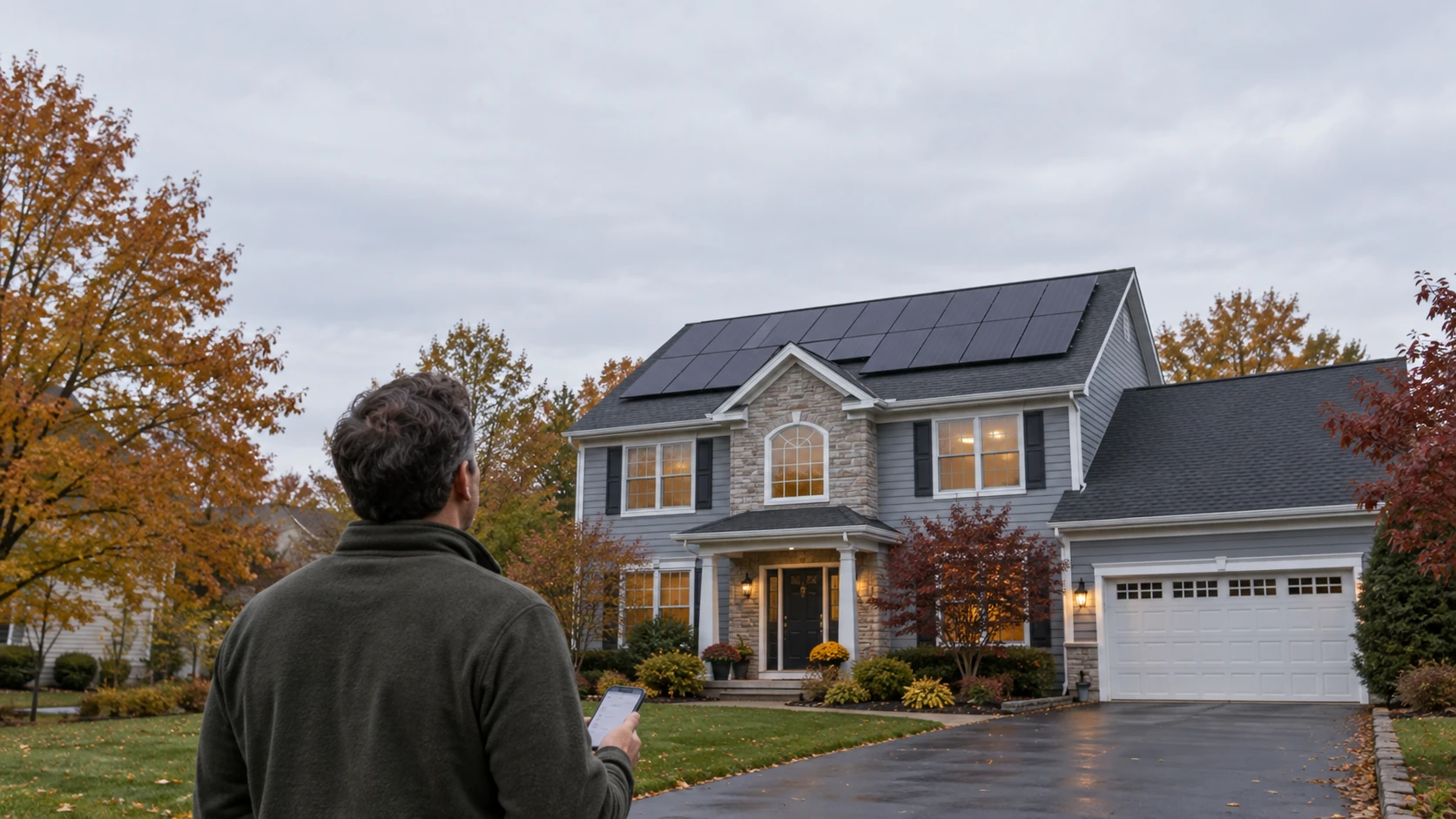
Your SolarEdge inverter is the gray box, usually on an outside wall or in the garage, that turns the power from your solar panels into electricity your home can use. Most of the time it quietly does its job. But when a light turns red, the monitoring app goes blank, or your electric bill jumps, that box is the first place to look.
This guide explains what the lights and common error messages mean in plain English, what you can safely check yourself, and when it's time to call a technician.
First, which SolarEdge inverter do you have?
SolarEdge has made a few generations of home inverters, and they communicate a little differently.
- Inverters with a small screen: older models have a small display that shows status messages, plus three lights.
- Inverters with lights only: newer models (sold under names like HD-Wave, Home Hub, and Home Wave) have no screen. They show status with a row of small lights on the bottom of the unit and send details to the app.
Take a look at yours. If there's no screen, the light guide below is the one you need.
What the lights mean (models without a screen)
According to SolarEdge, here's what the lights are telling you:
- Green, steady: the system is producing power. All good.
- Green, blinking: the inverter is connected to your home's power but isn't producing right now.
- Green, quick flash every few seconds: night mode. This is normal after dark.
- Blue, steady: the inverter is connected to SolarEdge's monitoring system.
- Red, on: there's an error.
- All lights blinking: the inverter is pairing (connecting) with the small devices under each panel, called power optimizers.
- All lights steady: the inverter is configuring or restarting.
- Lights taking turns: a software update is running. It can take a few minutes.
- All lights off: the inverter isn't getting power from your home's electrical system.
On older models with a screen, the three lights mean something slightly different. Green means it's producing power, yellow relates to communication with the power optimizers, and red means a fault. The screen will usually show a message with more detail.
Common error messages, in plain English
Error codes vary by inverter model and software version, so treat the codes below as examples from SolarEdge's official error guide.
Isolation fault (for example, code 2x19, or code 25 on older software). This means the system detected electricity leaking toward the ground somewhere in the solar wiring. It's often caused by moisture or a damaged wire or connector on the roof, and it can come and go, showing up on damp mornings and clearing by afternoon. This one needs a technician. Finding the source takes testing equipment and work on the roof wiring.
Grid voltage too high or too low (for example, codes 2xF and 2x1F for high, 2x20 and 2x29 for low). Your inverter constantly checks the power coming from the utility. If the voltage goes outside the allowed range, the inverter shuts off to protect itself and the grid. An occasional message isn't unusual. If it happens often, especially on sunny afternoons, it's worth having someone look at the wiring and, if needed, work with your utility.
Grid down (for example, code 2x28). The utility power is out. Your solar system shuts off during an outage for safety, and SolarEdge says the inverter restarts on its own once power returns.
Arc fault (for example, codes 2x96 and 2x97). The system detected what may be electrical arcing, a type of spark, in the wiring. SolarEdge says these need investigation if the inverter has locked itself off. Treat a locked arc fault as a call-a-pro situation.
No communication, or the app shows no data. This is often the simplest problem to fix. The inverter can keep producing power perfectly well while it's lost its connection to the internet. A new router or a changed Wi-Fi password is the usual cause.
What you can safely check yourself
Before calling anyone, these steps are safe for any homeowner:
- Check the time and weather. No production at night is normal. Very low production on a dark, rainy day can be normal too.
- Open the mySolarEdge app. Look at recent production and any alerts. Take a screenshot of anything unusual.
- Reconnect Wi-Fi if you changed your router or password. In the mySolarEdge app, SolarEdge walks you through reconnecting under the inverter communication settings.
- Check the solar breaker in your main electrical panel. A tripped breaker will stop the system. If it keeps tripping, stop and call a professional. A breaker that trips repeatedly is a warning sign.
- Check for a utility outage in your area.
- Write down any error code and take a photo of the inverter's lights or screen. This saves time when a technician looks at it.
What NOT to do
- Don't open the inverter. SolarEdge warns that there's a risk of electric shock, even for installers, who are told to switch it off and wait before opening the cover.
- Don't hold down buttons or switches to "reset" it. On many SolarEdge inverters, holding the switch in certain positions starts pairing or resets communication settings, which can create new problems.
- Don't go on the roof or touch wiring. Solar panels produce electricity any time light hits them, even when the inverter is off.
- Don't try to repair it yourself. SolarEdge's own guidance is to have repairs done by a certified installer or electrician.
Is it under warranty?
It might be. According to SolarEdge's current limited warranty:
- Home inverters are generally covered for 12 years, and can be extended to 20 or 25 years depending on the model, if the extension was purchased within 36 months of the inverter shipping.
- Power optimizers are covered for 25 years.
- Claims need the serial number and proof of purchase, and labor and travel usually aren't covered unless SolarEdge approves them in writing ahead of time.
Inverters like these typically last around 10 to 15 years, so one installed in the early 2010s may be near the end of both its warranty and its working life. If it's out of warranty, a replacement SolarEdge inverter commonly runs roughly $1,500 to $4,000 or more installed, depending on the model and what else needs updating. We explain the difference between the equipment and installer warranties in solar panel warranties explained.
What if your installer is gone?
Solar companies do sometimes close or stop answering the phone, and it doesn't mean you're stuck. We service systems we didn't install and specialize in orphaned solar systems. If your SolarEdge or Enphase monitoring isn't working, we can reconnect it or reconfigure it so you can see what your system is doing again.
When to call us
Call for a diagnostic visit if:
- The red light stays on, or an error keeps coming back
- You see an isolation fault or a locked arc fault
- Production has dropped and you can't find a simple reason
- Your electric bill jumped unexpectedly
- The inverter shows no lights at all during the day
- The app has been offline and reconnecting Wi-Fi didn't fix it
Our solar diagnostics and repair visit includes an on-site inspection, getting your monitoring app working, and testing the inverter, wiring, and the output of individual panels. You get written findings that spell out what's working and what isn't, clear repair options, warranty support if your equipment is eligible, and we confirm your system is back to producing what it should. For other common issues, see 7 common solar problems and how to fix them, and for a refresher on how inverters work, our ultimate guide to solar inverters.
Frequently asked questions
Why is my SolarEdge inverter light red?A red light means the inverter has detected an error. Check the mySolarEdge app or the inverter's screen for the error message. If it doesn't clear on its own, or it keeps coming back, have a technician diagnose it.
Why is my SolarEdge inverter blinking green?A blinking green light usually means the inverter is connected to your home's power but isn't producing at the moment. A quick flash every few seconds after dark is night mode, which is normal.
Why isn't my SolarEdge app showing data?Most often the inverter lost its internet connection, usually after a new router or a Wi-Fi password change. You can reconnect it in the mySolarEdge app. The system can keep producing power even while the app shows nothing.
What is an isolation fault on a SolarEdge inverter?It means electricity is leaking toward the ground somewhere in the solar wiring, often from moisture or a damaged wire or connector. It can come and go with the weather and needs a technician to track down.
How long is the SolarEdge inverter warranty?Twelve years for home inverters under SolarEdge's standard warranty, with extensions to 20 or 25 years available on some models, and 25 years for power optimizers. Labor usually isn't covered unless SolarEdge approves it in advance.
Get a straight answer about your system
If your inverter is showing a light or message you don't like, you don't have to guess. Request a service visit and we'll diagnose the problem, explain what we find, and get your system producing again.
